Free Apps for RV Travel I Actually Use (and a Few I’d Skip)
These free apps for RV travel have saved us so many headaches. Maps, fuel, and the boondocking apps I trust when we want to park for free.
The Free RV Apps That Save Me Money (Gas, Campsites, and Boondocking)
When we first started doing RV trips, I thought I needed fancy gear to feel “ready.” Turns out, the biggest upgrade wasn’t a new hose or a bigger solar setup. It was my phone.
If you’re working toward full-time RV living, I share my exact app list and simple planning routines inside my Monthly Adventure Membership here: Monthly Adventure Simplified Membership.
A handful of free apps can save you time, money, and a lot of stress. They help you find cheaper fuel, avoid low bridges, pick better campsites, and track weather before it turns your relaxing night into a white-knuckle one.
This is my list of the best free apps for RV travel, plus a few popular paid options that are worth knowing about. I’ll also point out what’s free, what tends to cost money, and what I like each app for.
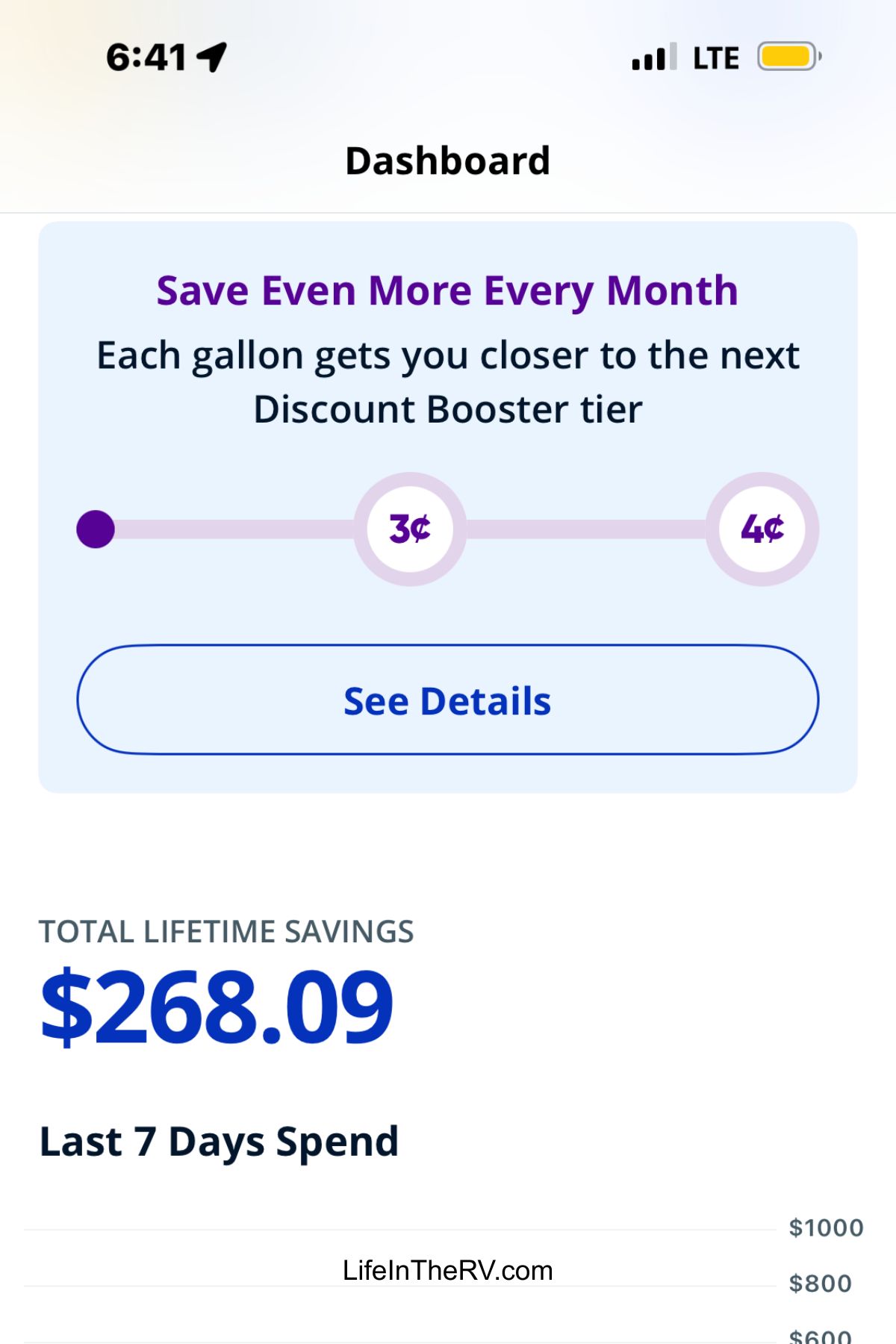
Below are the savings just this summer by using the Mudflap gas app.
A Quick Note About “Free” RV Apps
Most travel apps are free to download, and then you can pay for extras. That’s not always a bad thing. But if you’re trying to keep RV life simple (and affordable), you want apps that still work well without a subscription.
A good rule of thumb:
- Free should cover the basics (search, maps, saved lists, simple planning).
- Paid should save you real time or real money (routing for big rigs, campground discounts, safety alerts, offline maps).
Now, let’s get into the good stuff.
Fuel Cost Estimator
⛽ Stop Overpaying for Gas!
Get our FREE guide to the Top 5 Fuel Apps for RVers and save $$ on every fill-up!
🎯 Get the Guide
1) The Best Free Map App for Everyday Driving
Google Maps (Free)
This is the one most of us already have, and yes, it’s still worth mentioning.
Why I use it:
- Live traffic that’s usually solid
- Easy searching for groceries, propane, dump stations, and repair shops
- Shareable ETA, which is great when you’re meeting friends at a campground
What to watch out for in an RV: Google Maps does not “think like an RV.” It won’t warn you about low bridges, steep grades, propane restrictions, or tight turns. I use it for day-to-day driving, not for planning a long tow or big-rig route.
Best tip: Download offline maps for areas with weak service. It can be a lifesaver in the middle of nowhere.
2) The Free Weather Apps That Actually Help in RV Life
The Weather Channel (Free) or Weather Underground (Free)
Weather is not just “will it rain,” it’s “will I be safe on the road,” especially with a trailer or in a tall rig.
What I check before we roll:
- Wind speed (crosswinds can wear you out fast)
- Storm timing (not just chance of rain)
- Overnight lows (hello, surprise freeze)
If you only do one thing, set weather alerts for your current location and where you’re headed next.
MyRadar (Free)
This is my “is that storm really moving toward us?” app. It’s quick, visual, and easy to understand when you’re half-packed and trying to decide if you should leave now or wait it out.
3) Free Fuel Apps That Can Save You Real Money
GasBuddy (Free)
Fuel stops add up fast. GasBuddy helps you find cheaper stations nearby and along your route.
Why it’s useful:
- Shows prices in the area
- Helps you avoid pulling into a pricey station just because it’s convenient
- Great for longer travel days when you’re stopping anyway
RV tip: Look at the station layout in satellite view before you commit. Not every cheap station is easy to get into with a long rig.
4) The Best Free Apps For Finding Campsites (Including Boondocking)
This is where RV apps get fun. It’s also where you can waste hours if you don’t have a system. These are the ones I keep coming back to.
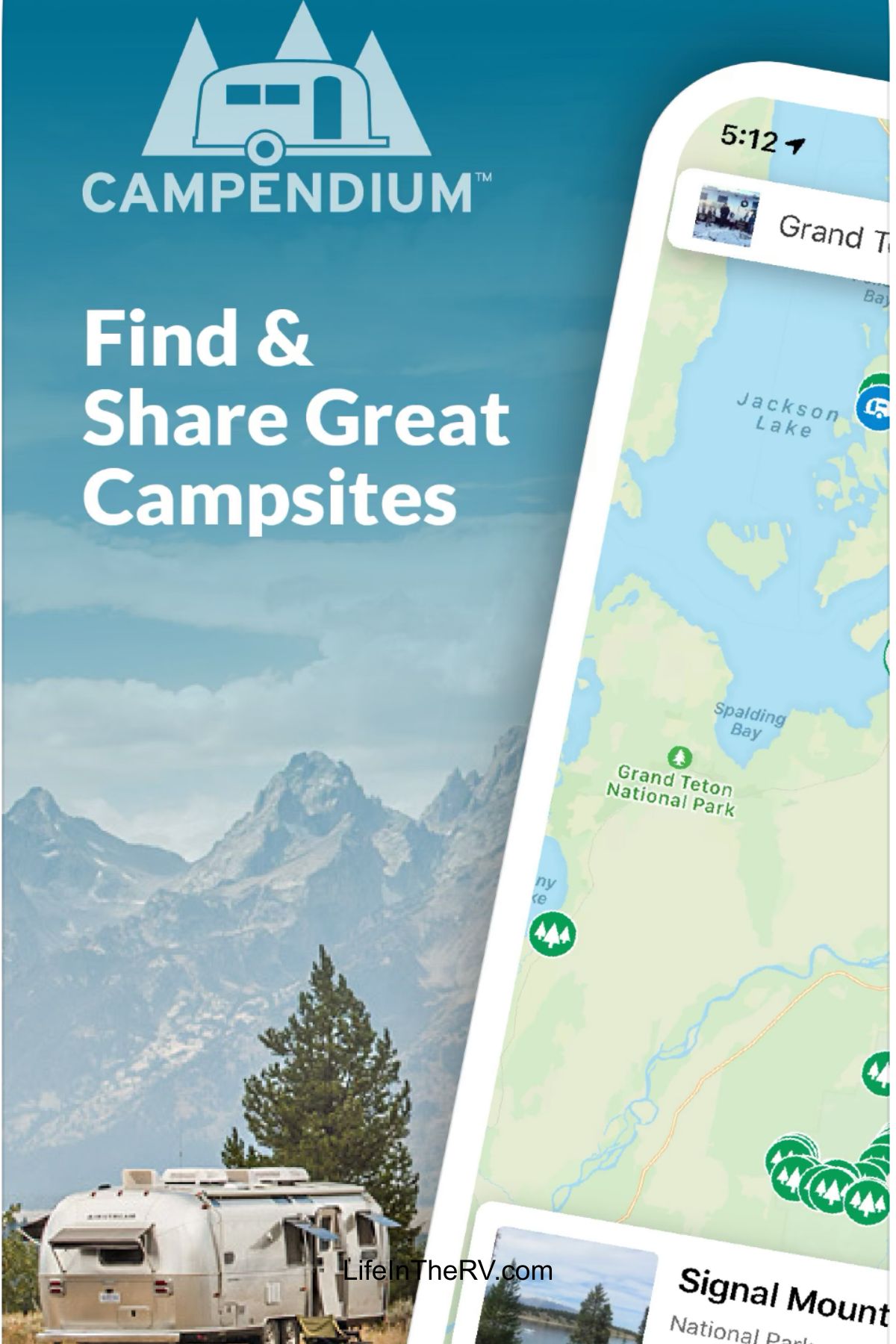
Campendium (Free)
Campendium is one of the best all-around apps for both campgrounds and boondocking, especially if you like reading real reviews.
What it’s great for:
- Filters that help you narrow things down
- Notes about cell service (huge for remote work)
- Reviews that mention road conditions and site size
If you’re searching for a boondocking app, this is one of the first I’d download.
iOverlander (Free)
This one feels more community-driven. People share spots, photos, and updates like, “road was washed out” or “still quiet, no new signs.”
Why I like it for boondocking:
- Great for discovering lesser-known stops
- Helpful for real-time notes from other travelers
- Works well when you’re flexible and willing to scout
If you’ve ever searched “free boondocking app,” you’ve probably seen iOverlander come up for a reason.
The Dyrt (Free)
The Dyrt has a ton of campground listings and reviews, and the app is easy to use.
My take: It’s best when you’re looking for established camping and want lots of photos and quick review scanning.
5) The Best Boondocking Apps (and How to Use Them Safely)
Let’s talk boondocking for a second, because it’s the part of RV life that feels the most “free,” and can also go sideways if you don’t plan.
When people ask me for the best boondocking app or the best app for boondocking, I usually say this:
Use at least two sources, then confirm with a map.
Here’s a simple stack that works:
- Campendium for solid reviews and filters
- iOverlander for recent updates
- Google Maps satellite view to see if it’s real and accessible
Also, check:
- If the road in is wide enough for your rig
- If there’s turnaround space
- If there are signs posted (no overnight, permit only, etc.)
If you want one label for this category, think of Campendium plus iOverlander as your go-to boondocking apps combo, and together they act like a dependable RV boondocking app setup.
6) Harvest Hosts (Great Value, Not Free, Still Worth Knowing)
Harvest Host app (paid membership)
The Harvest Host app (also seen as the Harvest Hosts app) is not a free option, but it comes up constantly for a reason.

Instead of a standard campground, you stay overnight at host locations like farms, wineries, breweries, and attractions. You usually park for one night, and it feels more like a fun stop than a campsite.
Why people love it:
- Unique stays that break up long drives
- Often quieter than crowded campgrounds
- Great for one-night overnights on the way somewhere else
Real talk: You’re paying for the membership, so it’s best if you actually use it. If you only take one big trip a year, it might not be worth it. If you travel often, it can become your favorite tool.
7) RV LIFE Apps: Trip Planning, Routing, and Campground Info
This is where things can get confusing, because people throw around names like they’re the same thing. You’ll see:
- RV Life Trip Wizard App
- RV LIFE Pro (the subscription tier)
Here’s the simple version.
RV LIFE Trip Wizard (not free, planning-heavy)
RV Life Trip Wizard App is known for trip planning. People use it to map out routes and stops, then keep everything organized.
If you like to plan ahead and you hate last-minute scrambling, it’s a strong option.
RV LIFE Pro App (subscription, more features)
The RV Life Pro App is tied to the paid membership level and is often bundled with premium tools.
Since pricing changes, I won’t toss out a number that could be wrong next month, but people commonly search:
- RV Life app cost
If you’re cost-checking, look at what you’ll actually use:
- RV-safe routing
- Campground info
- Trip planning tools
- Offline features (if included)
RV LIFE App Reviews (what to look for)
When you read RV Life app reviews or RV Life Pro Reviews, skip the emotional one-star stuff and look for patterns like:
- Does it route well for larger rigs?
- Do users mention bridge heights and restrictions?
- Is the campground data accurate in the areas you travel?
- Does it run smoothly on your phone?
My honest take: RV routing apps can be worth it if you drive a big rig, tow long, or travel in areas with tricky roads. If you mostly stay local and know your routes, you might not need it.
8) The Free “Comfort and Safety” Apps I Keep on Every Trip
These aren’t RV-only apps, but they solve real RV problems.
Truck stop and rest planning
Even if you don’t stay overnight at truck stops, knowing where they are helps with:
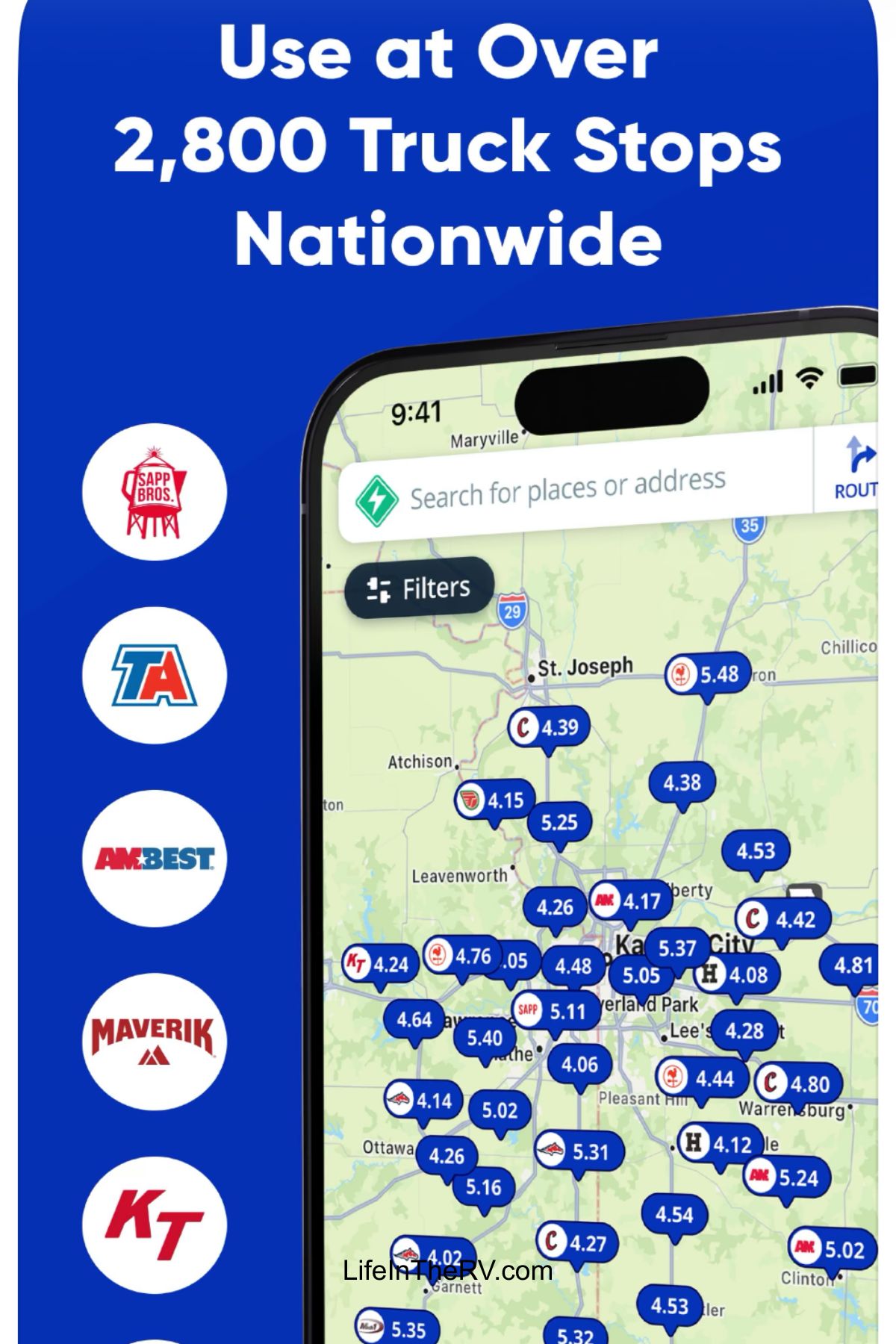
- Easy pull-through fuel
- Bigger parking lots
- Quick food when you’re tired
Google Maps plus satellite view usually handles this, but I also save truck stops as starred spots along our common routes.
Rest Areas (Free)
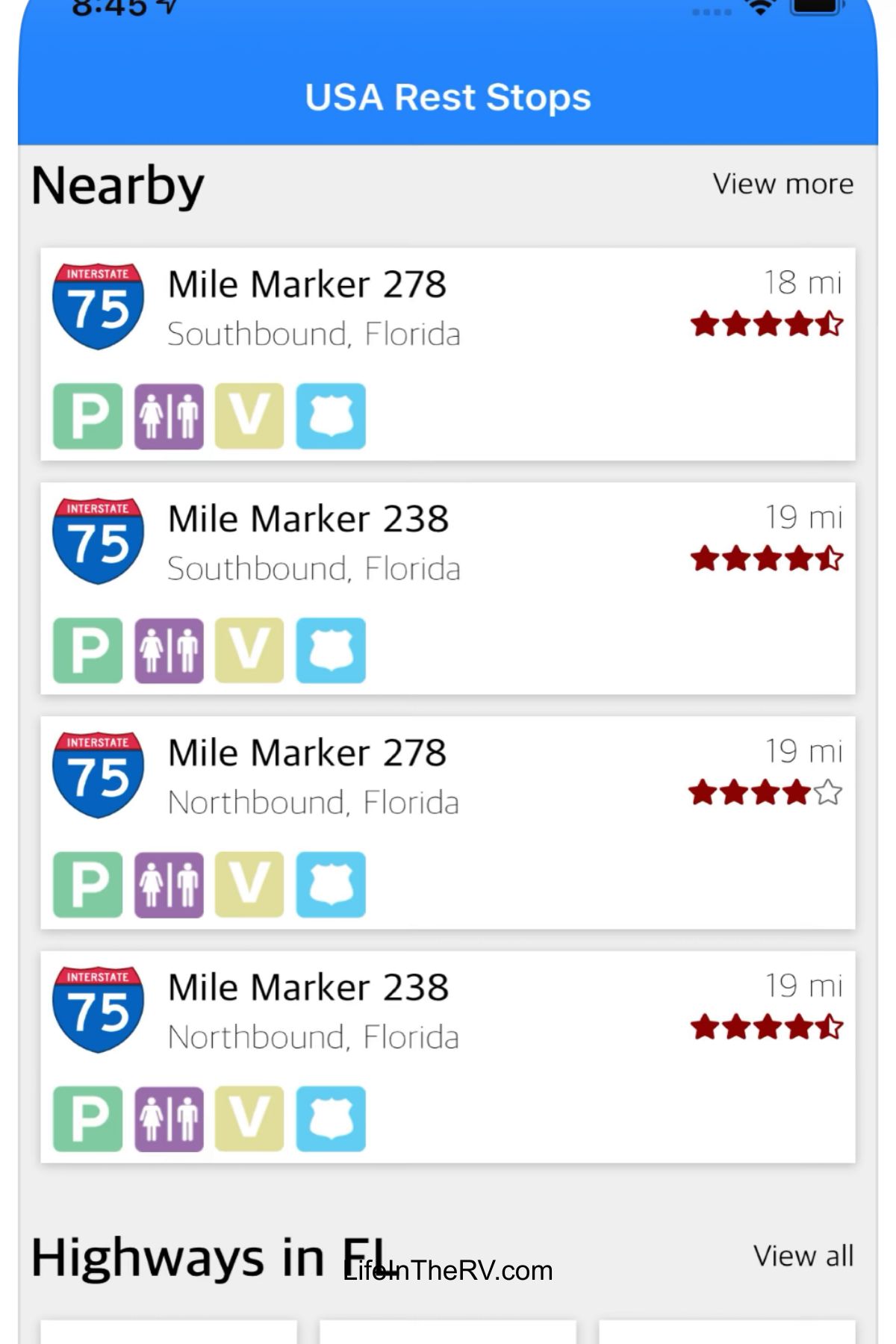
Yes, I realize we have our own bathroom in our motorhome; however, we can’t just pull over on the side of the interstate. So sometimes, we need to find a rest area.
In some states, they seem to be few and far between. The Rest Stops app help locate the next rest area on the route that you are on.
AllTrails (Free)
Perfect for finding hikes near camp. I love it for those mornings when you want to move your legs and see something pretty, without driving all over town.
Flashlight app (Free, built in)
This sounds silly until you need it. Night hookups, dropped parts, checking tires, finding that one thing you swore you packed.
My Simple System for Planning an RV Trip With Mostly Free Apps
When we’re getting ready for a trip, I do it in this order:
- Pick the general area (Google Maps)
- Check weather patterns (Weather Channel or Weather Underground, then radar)
- Find camping options (Campendium, iOverlander, The Dyrt)
- Confirm access and space (Google Maps satellite view)
- Save fuel options (GasBuddy, plus map pins)
- Screenshot anything important (because the service disappears at the worst time)
If we’re doing a longer trip with more moving parts, that’s when I consider paid tools like RV Life Trip Wizard or the Harvest Host app.
The short list: best free apps for RV travel (my picks)
If you only want the quick download list, here it is:
- Google My Maps: daily driving, searching, and offline maps
- GasBuddy: cheaper fuel, quick comparisons
- Campendium: camping and strong boondocking info
- iOverlander: community-based boondocking and overnight stops
- The Dyrt: campground browsing and reviews
- Weather Underground (or similar): forecasts and alerts
- MyRadar: storm tracking at a glance
And if you want paid options to consider later:
- RV Life Trip Wizard App and RV Life Pro App (for planning and routing)
- Harvest Hosts app (for unique one-night stops)
A Final Friend-to-Friend Tip
Don’t download ten apps and hope you’ll use them. Pick two for camping, one for fuel, one for weather, and one for maps. Use them for a full trip, then adjust.
The goal isn’t to turn RV travel into homework. The goal is to pull into camp feeling calm, like you still have energy to make dinner and watch the sunset.
Free apps can help you plan a trip.
Adventure Simplified helps you build an RV life.
If you’re serious about full-time RV living (or getting there), this is where everything comes together: step-by-step guides, checklists, mini courses, and real-life systems that take you from figuring it out to actually doing it.
👉 Join Adventure Simplified: RV Life Monthly
If RV life is more than a dream and you’re ready for a clear, calm plan…this is your next step.